Meta Title: Odoo Retail Management: Features, Benefits & Solutions
Meta Description: Discover how Odoo helps retail businesses manage POS, inventory, sales, customer relationships, and multiple stores through one integrated ERP platform.
Suggested URL Slug: /blog/retail-management-in-odoo
Introduction
The retail industry is evolving rapidly. Customers expect faster checkouts, accurate product availability, personalized service, and a seamless shopping experience across physical stores and online platforms. At the same time, retailers must manage inventory, monitor sales, control expenses, and maintain accurate financial records.
Managing these operations through disconnected systems can lead to stock discrepancies, manual errors, delayed reporting, and missed sales opportunities.
Odoo ERP offers an integrated solution for modern retail businesses. By connecting point of sale, inventory, sales, accounting, customer relationship management, and eCommerce, Odoo helps retailers simplify their daily operations and make informed business decisions.
What Is Odoo Retail Management?
Odoo Retail Management is a connected set of business applications designed to help retailers manage their operations from a centralized platform. Rather than relying on separate tools for billing, stock management, and accounting, businesses can use Odoo’s integrated applications to streamline their workflows.
Whether you operate a small retail shop, a supermarket, a fashion store, or a multi-branch retail chain, Odoo can be configured to support your business requirements.
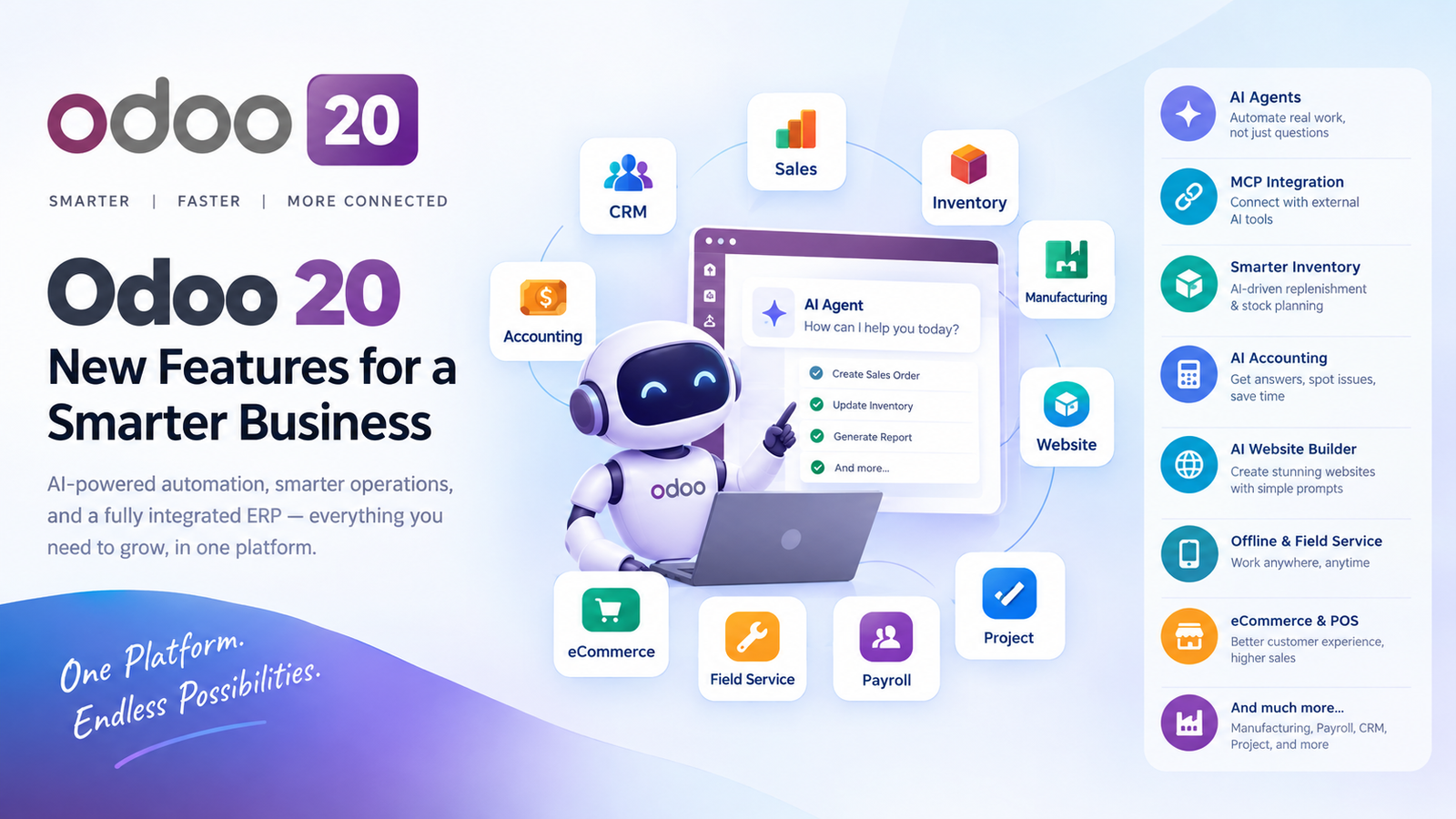
Its retail capabilities are primarily delivered through applications such as Point of Sale (POS), Inventory, Sales, Accounting, CRM, and eCommerce.
Key Features of Odoo for Retail Businesses
1. Powerful Point of Sale (POS)
Odoo Point of Sale provides an intuitive interface for processing customer transactions quickly and efficiently. Retail staff can select products, apply discounts, manage orders, and process supported payment methods from the POS interface.
Key benefits include:
- Fast and user-friendly checkout.
- Product variants, barcodes, and configurable pricing.
- Customer selection and order history.
- Discounts, promotions, and loyalty features where configured.
- Integration with inventory and accounting workflows.
Odoo POS also supports offline operation for eligible workflows, allowing stores to continue certain sales activities when the internet connection is temporarily unavailable.
2. Real-Time Inventory Management
Accurate inventory is essential for every retail business. Overstocking ties up working capital, while stock shortages can result in lost sales and dissatisfied customers.
With Odoo Inventory, retailers can track product quantities, manage warehouses and storage locations, process receipts and deliveries, and monitor stock movements.
Important capabilities include:
- Barcode-based product operations.
- Automated replenishment rules.
- Product variants and serial or lot tracking where applicable.
- Inter-warehouse and inter-store stock transfers.
- Inventory valuation and stock reporting.
By connecting inventory with POS and sales operations, Odoo helps retailers maintain better visibility into product availability.
3. Multi-Store and Multi-Branch Management
Retail businesses with multiple outlets need consistent processes and reliable reporting across locations.
Odoo can support multiple stores and warehouses, enabling businesses to organize inventory, monitor sales, and manage stock transfers across branches. Appropriate configurations and access rights help managers control operations while giving employees access to the information they need.
For example, a retail chain can review sales performance by outlet, identify products that need replenishment, and coordinate inventory between locations.
4. Omnichannel Retail: Connecting Online and Offline Sales
Customers increasingly move between online browsing and in-store shopping. Retailers need systems that provide a consistent view of products, orders, and customer interactions.
Odoo eCommerce can be integrated with inventory and sales workflows to connect an online store with physical retail operations.
Depending on the configuration, businesses can manage:
- Online product catalogs and pricing.
- Website orders and order fulfillment.
- Product availability and inventory updates.
- Customer records and sales history.
- Connected online and in-store business processes.
This integration helps reduce duplicate data entry and makes it easier to manage different sales channels.
5. Customer Relationship Management and Loyalty
Building long-term customer relationships is just as important as acquiring new customers.
Odoo CRM helps businesses organize customer information, track sales opportunities, and manage follow-ups. Retailers can also use available POS loyalty and promotion features to encourage repeat purchases.
With a more organized customer database, businesses can improve service, communicate relevant offers, and better understand customer purchasing patterns.
6. Integrated Accounting and Financial Reporting
Managing retail finances manually can become difficult as transaction volumes increase.
Odoo Accounting connects financial workflows with other business operations, helping businesses organize invoices, payments, taxes, and financial reporting.
Retailers can benefit from better visibility into revenue, expenses, outstanding payments, and profitability. The exact accounting and tax configuration should be adapted to the business’s country and regulatory requirements.
For businesses operating in India or Saudi Arabia, the relevant localization, tax rules, and e-invoicing requirements should be reviewed before implementation.
7. Sales Reports and Business Analytics
Business owners need reliable information to understand what is working and where improvements are required.
Odoo reporting tools help retailers analyze sales transactions, product performance, inventory movements, and financial data.
Useful performance indicators include:
- Total sales by store or sales channel.
- Best-selling and slow-moving products.
- Average transaction value.
- Inventory turnover and stock availability.
- Gross margin and operating expenses.
These insights help management plan purchasing, adjust product assortments, and make more informed business decisions.
Why Choose Odoo for Retail Management?
Odoo’s modular approach allows businesses to start with the applications they need and expand as their requirements grow.
Integrated operations: Connect retail sales, inventory, accounting, and customer management in one ecosystem.
Flexible customization: Adapt workflows, reports, access rights, and business processes to specific retail requirements.
Scalability: Support business growth by adding applications, warehouses, outlets, and integrations as needed.
Reduced manual work: Automate suitable repetitive tasks and reduce duplicate data entry between connected applications.
Centralized visibility: Give authorized users a clearer view of business performance and operational activities.
The overall results depend on the selected Odoo edition, implementation quality, configuration, and any additional development required.
How Odoo Retail Works in a Real Business
Consider a fashion retailer operating three stores and an online shop.
A customer purchases a shirt at one of the physical outlets. The POS records the transaction, and the relevant inventory is updated through the connected workflow. The sale can feed into the retailer’s reporting and accounting processes according to the configured setup.
Meanwhile, the manager can review outlet performance and identify products that require replenishment. Online orders can be processed through connected eCommerce and inventory workflows.
Instead of maintaining separate spreadsheets for sales, inventory, and reporting, the retailer can manage these operations through a more connected system.
This is where Odoo’s integrated approach can make a meaningful difference.
How to Implement Odoo for Your Retail Business
A successful implementation starts with understanding the business rather than simply installing software.
A typical implementation process includes:
- Business analysis: Understand existing sales, inventory, purchasing, accounting, and customer service workflows.
- Application selection: Identify the Odoo applications required for the business.
- Configuration: Set up products, categories, taxes, payment methods, warehouses, POS terminals, and user permissions.
- Customization and integration: Develop additional functionality only where standard features do not meet genuine business requirements.
- Data migration and testing: Import and validate relevant business data, then test real-life scenarios.
- Training and go-live: Train employees, launch the system, and provide ongoing support.
Careful planning helps reduce implementation risks and improves adoption among retail employees.
Conclusion
Retail businesses need more than a billing system. They need reliable inventory control, connected sales channels, accurate financial information, and actionable business insights.
Odoo provides an integrated platform that can help retailers manage these requirements more efficiently. From a single shop to a growing multi-store operation, the right configuration can improve visibility, simplify workflows, and create a better shopping experience.
Ready to streamline your retail operations with Odoo?
Our Odoo experts can help you evaluate your current processes, select the right applications, and implement a retail management solution aligned with your business goals.
Contact us today to discuss your Odoo retail implementation requirements.